
Surveillance
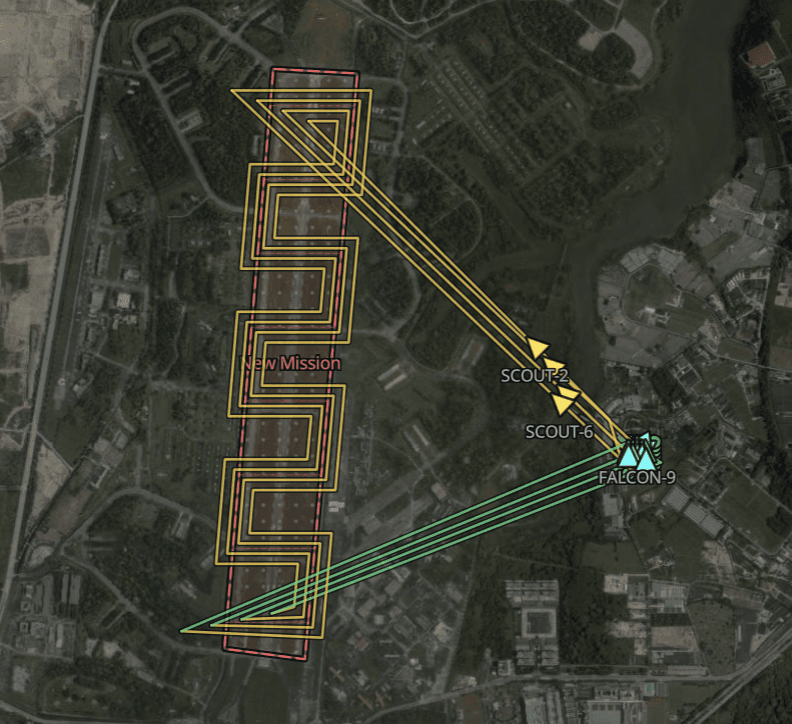
Turn an area into a shared task.
Draw the search area and allocate aircraft. The console splits coverage into lanes, and the team's progress comes back into one mission picture.
Platform
Surveil, strike and intercept, from plan to debrief, in a single command layer.
Mission planning
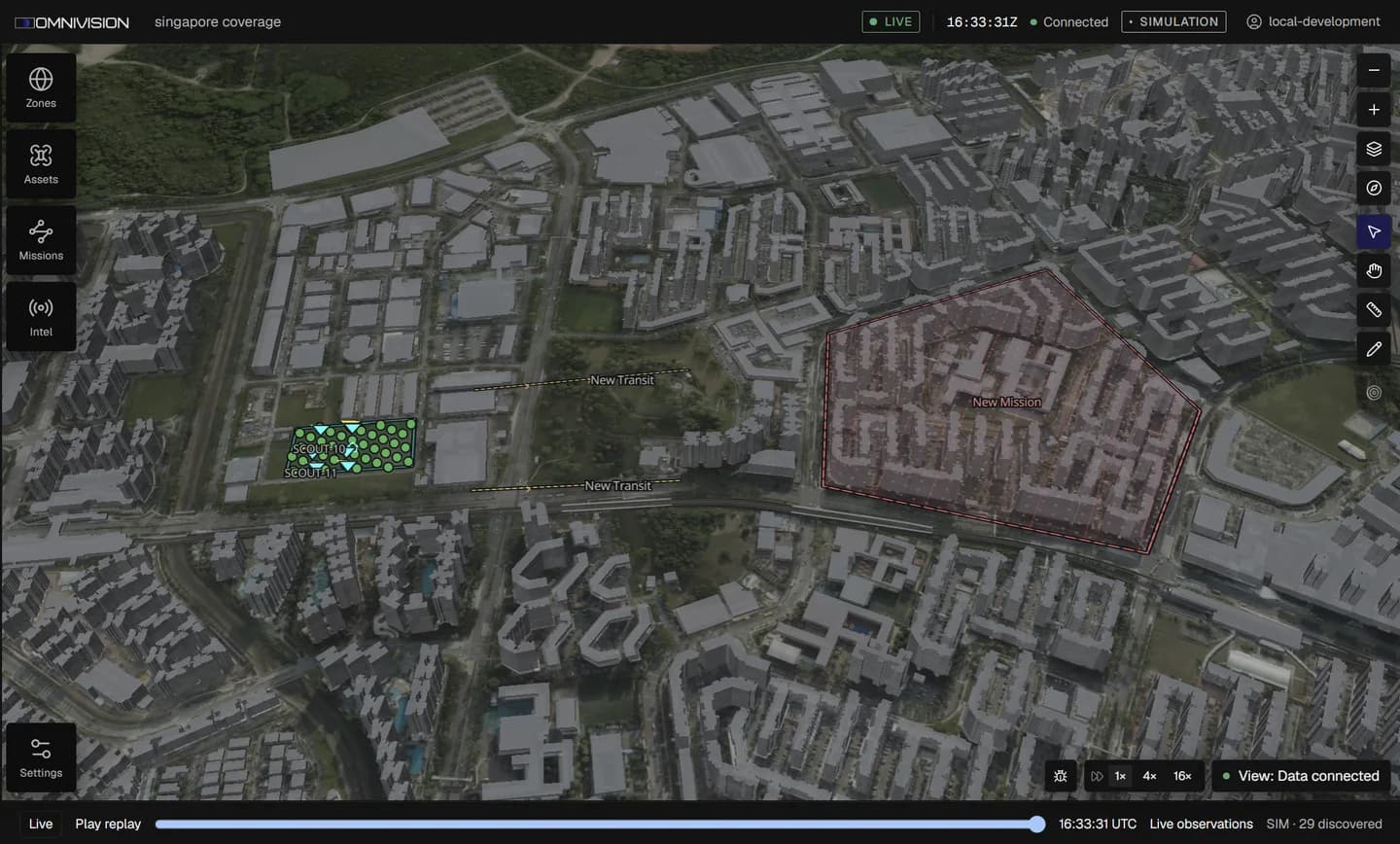
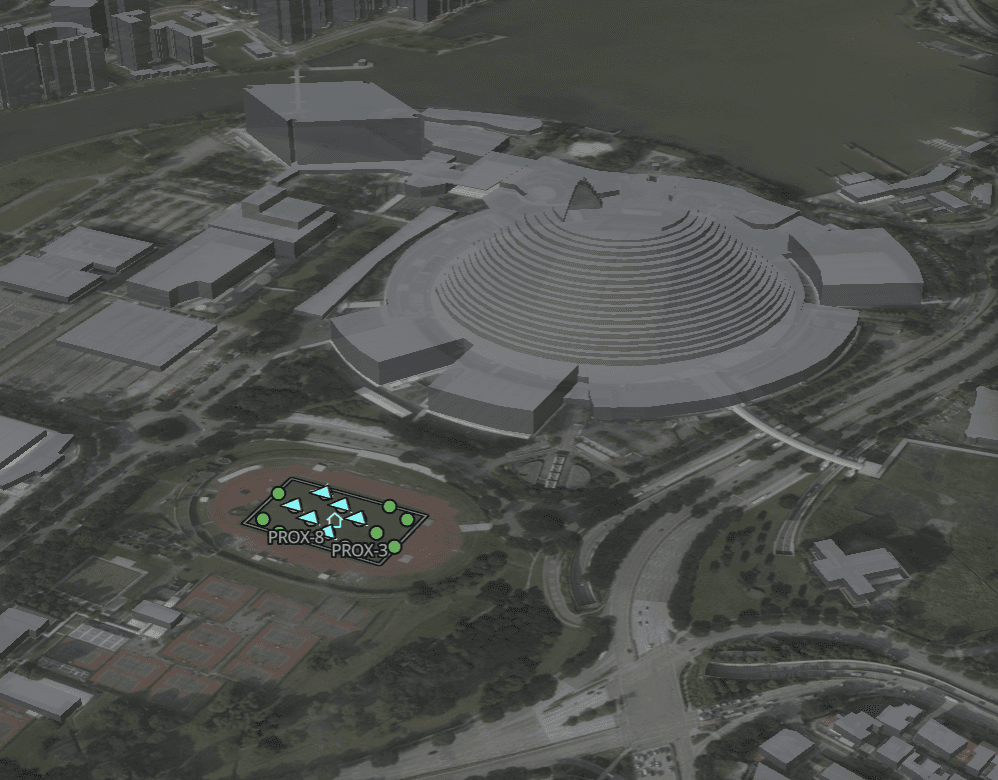
Six surveillance drones, planned and launched by one operator. Surveillance, strike and interception all follow the same workflow.
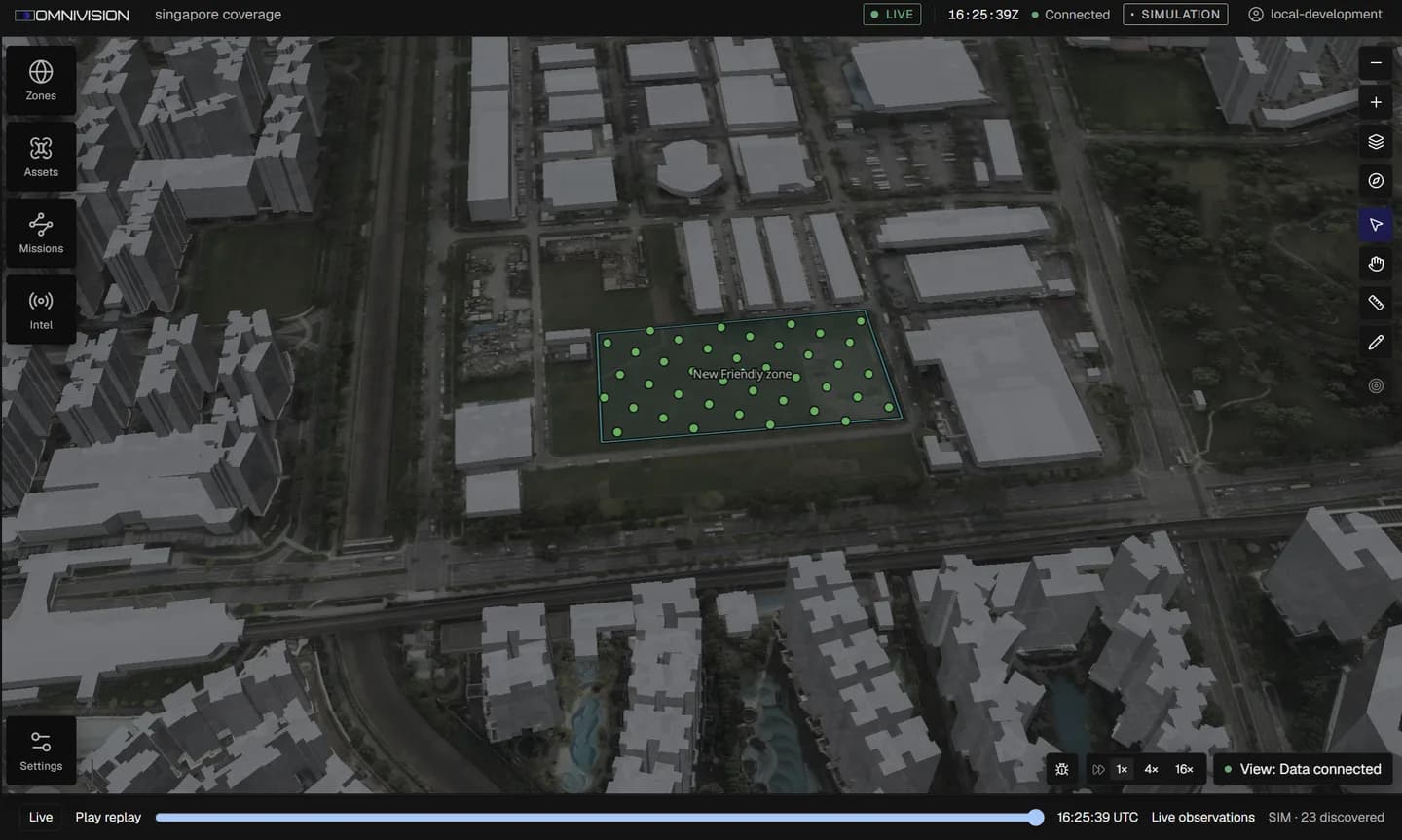
01 / Home basePlace the home base and the aircraft available to launch.
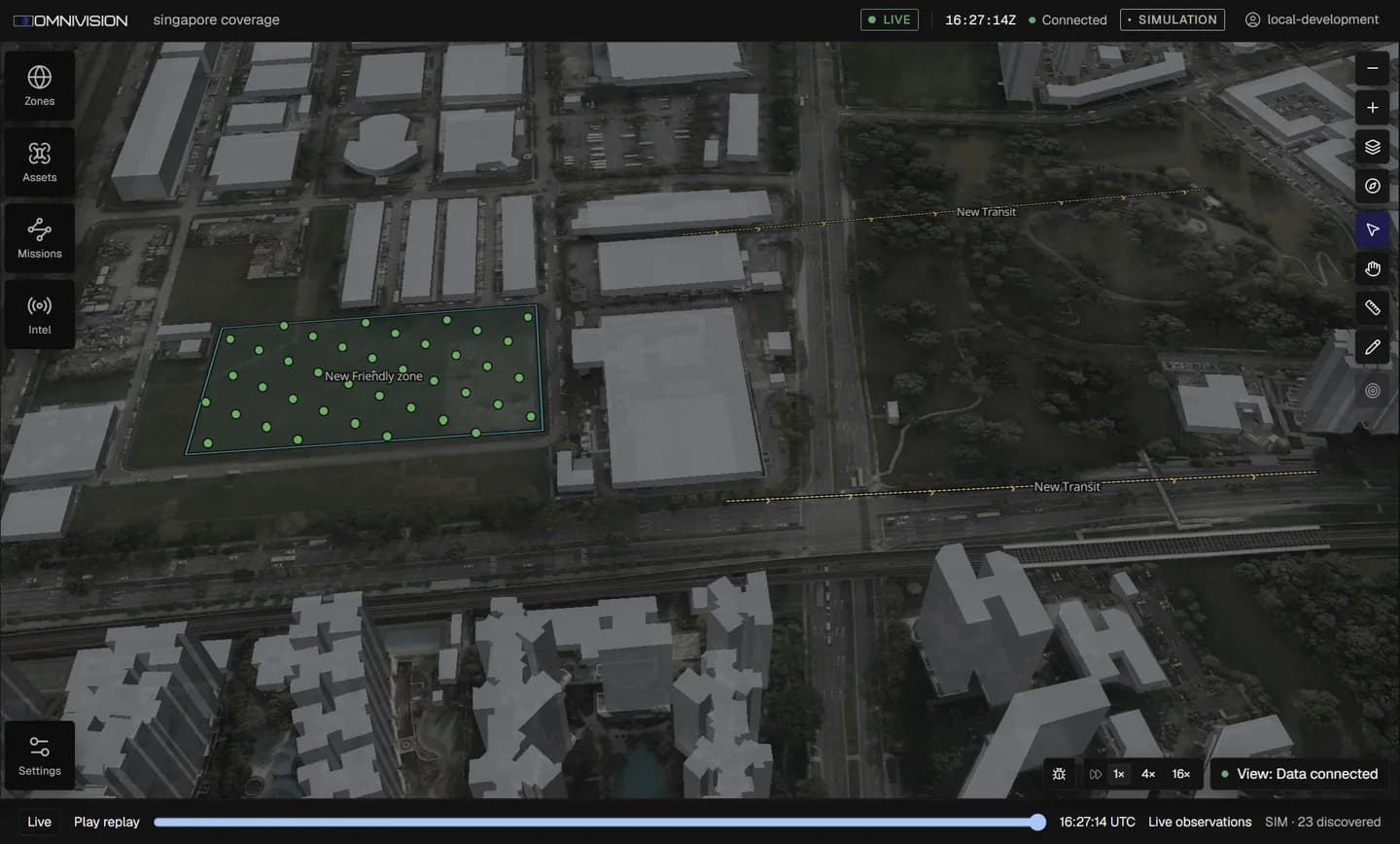
02 / TransitDraw the lanes in and out.
03 / MissionMark the mission area and review its constraints.
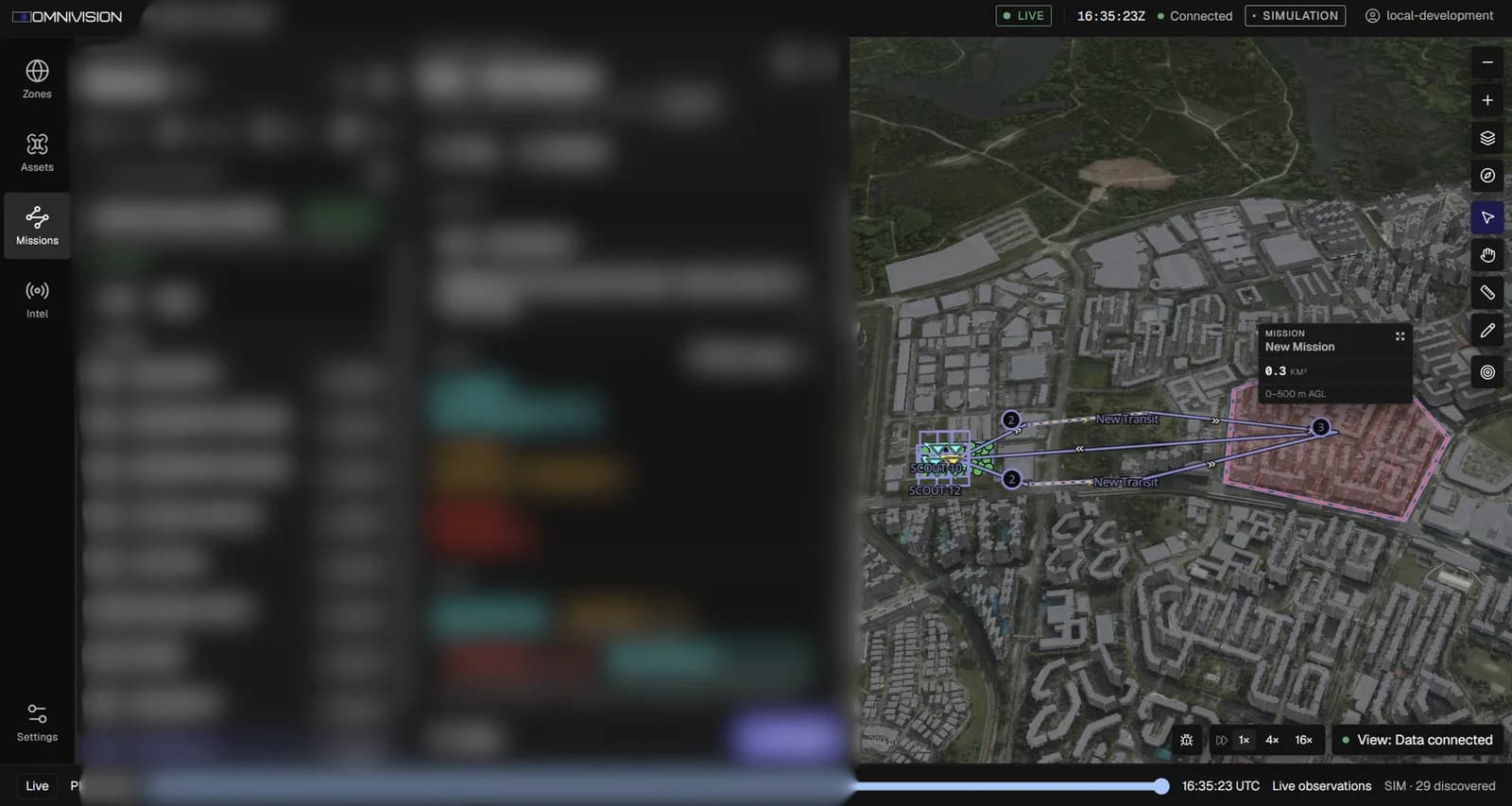
04 / PreviewCheck every route before authorising launch.
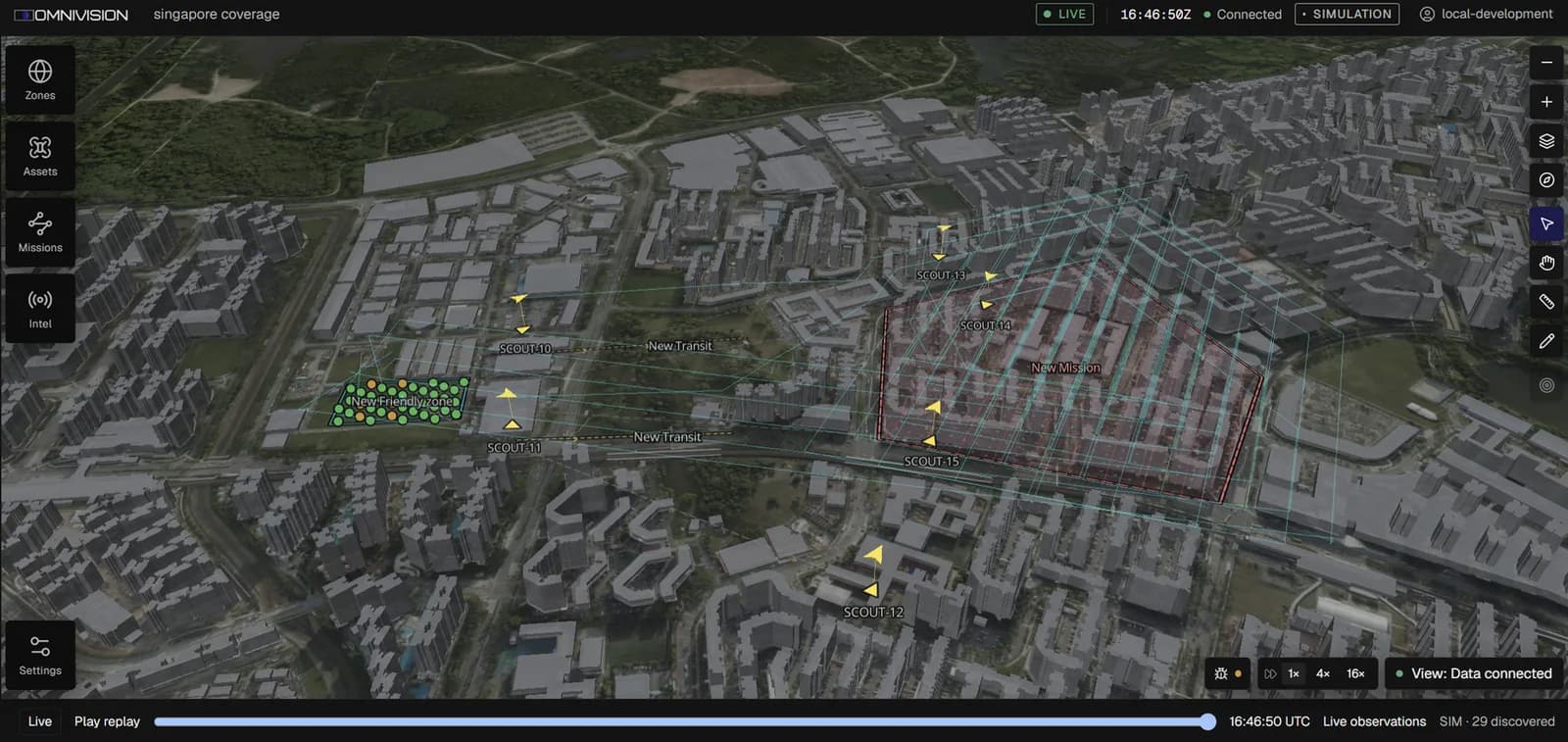
05 / LaunchSix drones in flight. Supervise progress from one console.
Missions
The same aircraft, re-formed for the task. Every mission works inside one set of airspace boundaries and operator permissions. Run one, or all three at once.
Surveillance
Draw the search area and allocate aircraft. The console splits coverage into lanes, and the team's progress comes back into one mission picture.
Precision strike
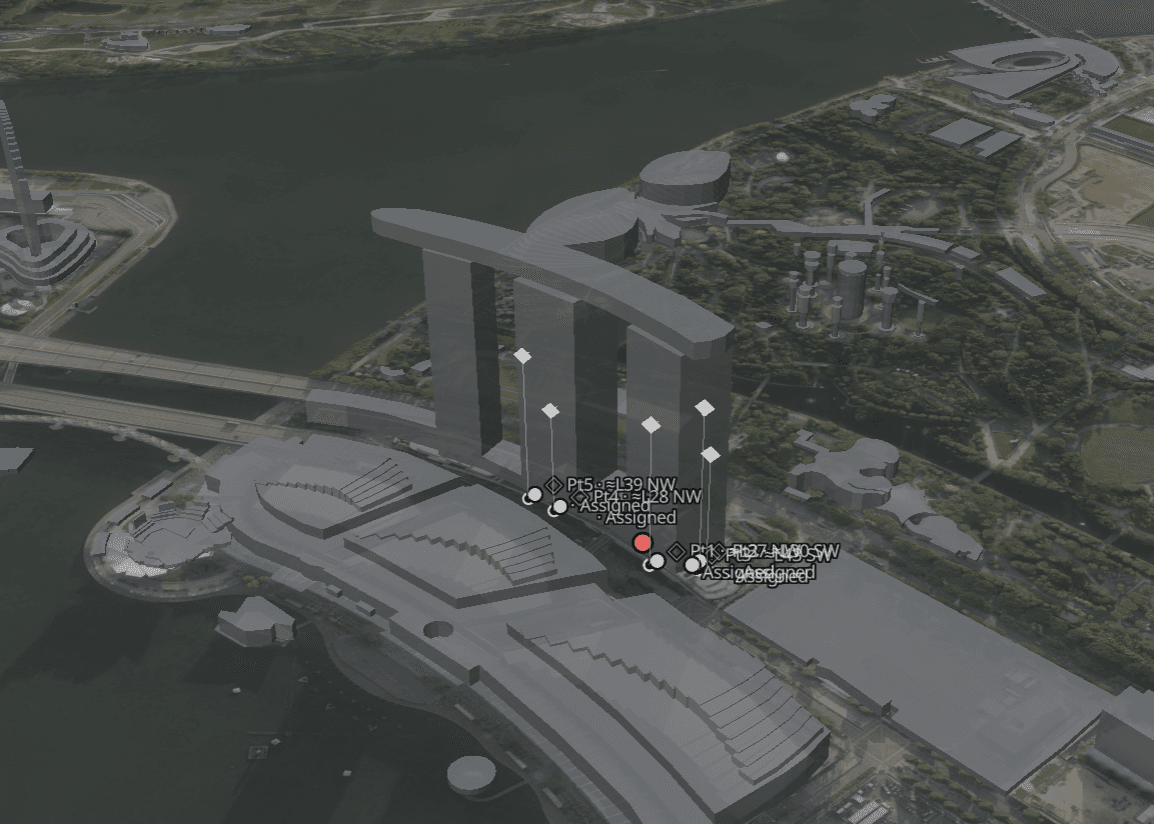
Place a target in the 3D environment, down to a single building floor. Nothing strikes until the operator authorises it.
Counter-UAS
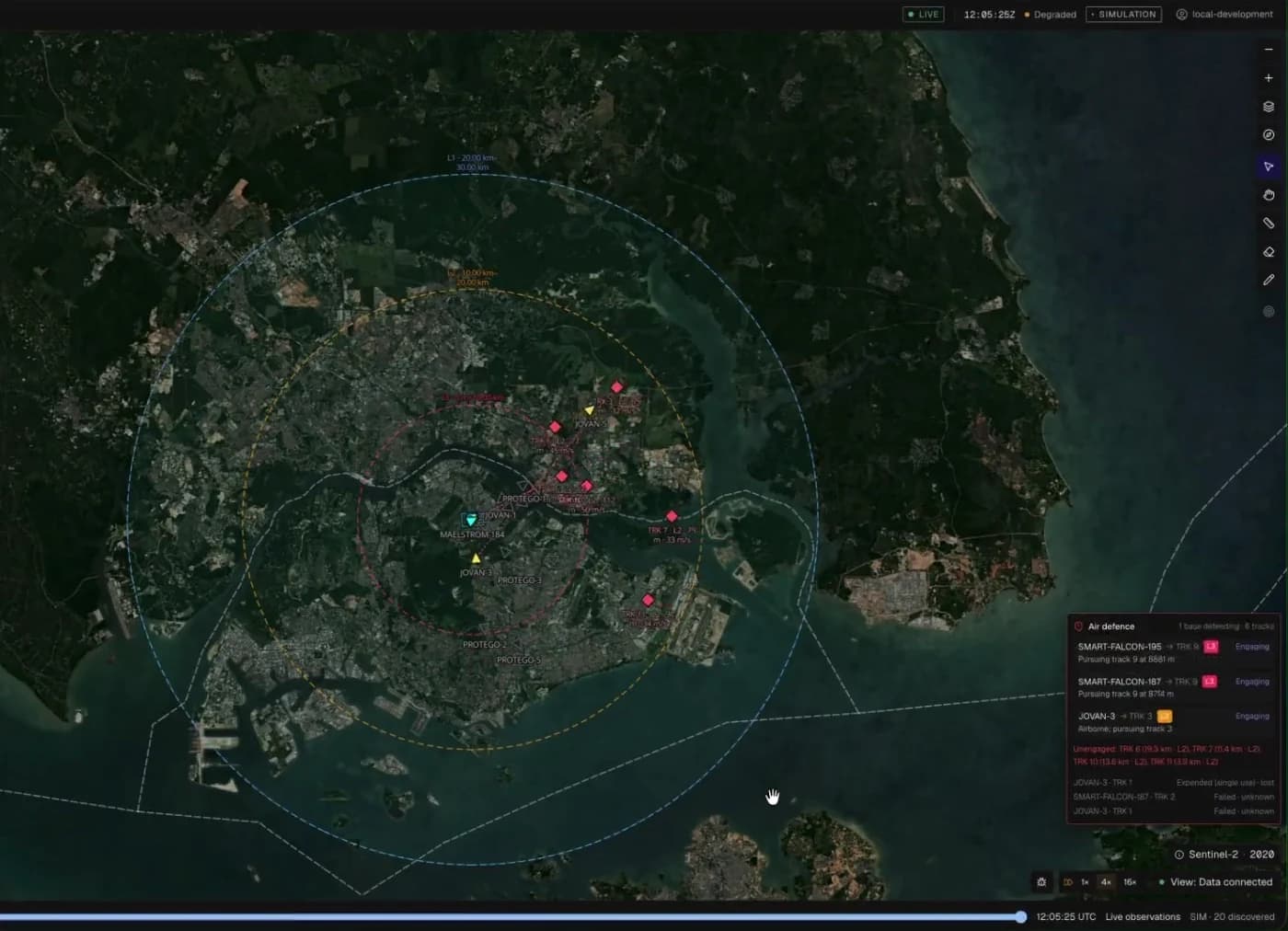
Each defensive ring launches its own interceptors, engaging different hostile drones at once. Supervise tracks, assignments and recovery to a free pad from the same console.
Dynamic replanning
Draw zones and corridors once, and every mission inherits them. When conditions change, drones route around no-fly zones and buildings.
Onboard autonomy
Set the fallback before flight. Each aircraft maps and plans its own path, and keeps to the plan you agreed.
Your fallback: return home, retrace or continue.
Visual-inertial navigation takes over.
Visual-inertial navigation, then your fallback.
Simulation
Simulated drones fly real physics, pathfinding and comms, on the same commands as the aircraft. Gazebo, Unreal Engine 5 and browser simulation connect through the same interfaces, so what you rehearse is what you fly.
Contact us